Send bank payouts through GhanaPay
Brio can send your bank payouts from a GhanaPay wallet on the Brio phone, dialling *707# for you. Until it's set up, you pay bank payouts by hand.
Before you start
- Have a GhanaPay wallet on the MTN or the Telecel SIM in the Brio phone.
- Know the wallet's PIN. You type it on the phone only, never in a message.
- Put money in the wallet. Bank payouts are sent from it.
-
On the Brio phone
Tell the phone where the wallet is
- Open Brio and tap Change MoMo PINs.
- On How do you pay out?, tick GhanaPay.
- On Which SIM is your GhanaPay wallet on?, pick the SIM the wallet is on, then continue.
- Type the GhanaPay PIN twice and tap Save.
- Keep Brio open with internet until it shows as done.
As soon as this saves, Brio starts sending bank payouts by itself. Do step 3 straight after.
-
Dashboard · Settings → Phones
Check it took
Your phone's card should show which SIM the GhanaPay wallet is on.

GhanaPay reads “On the MTN SIM” (or the Telecel SIM). At the top of the same page, the Bank line says it is paid from GhanaPay.
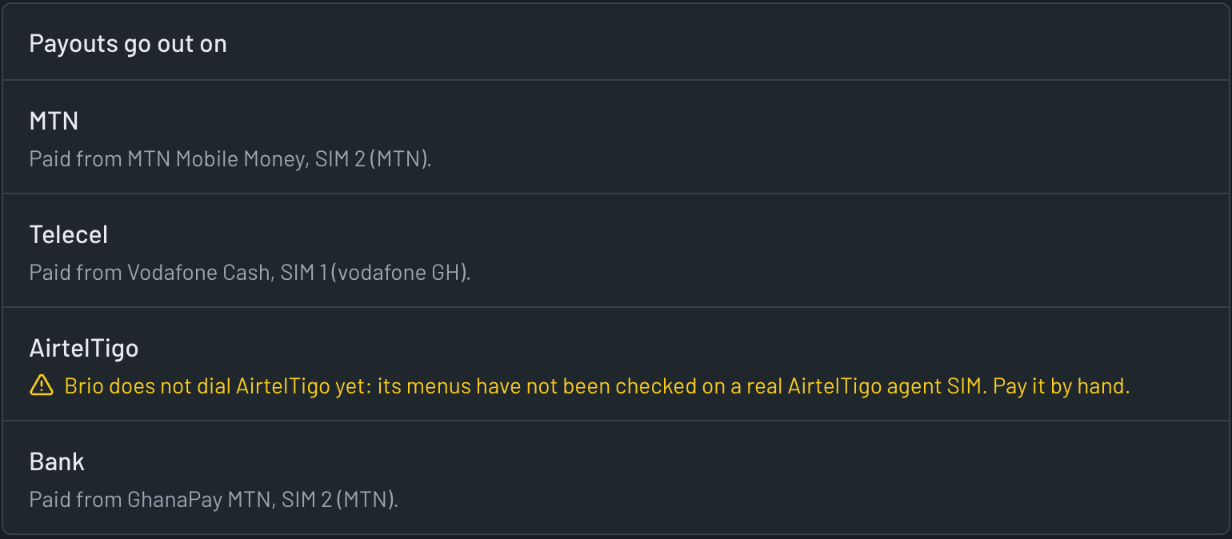
Bank: “Paid from GhanaPay”, with the SIM it dials on. -
Dashboard · Settings → Payouts
Set GhanaPay's limits
Scroll to How each line pays out. On the Bank line, choose GhanaPay, then confirm with Use GhanaPay.
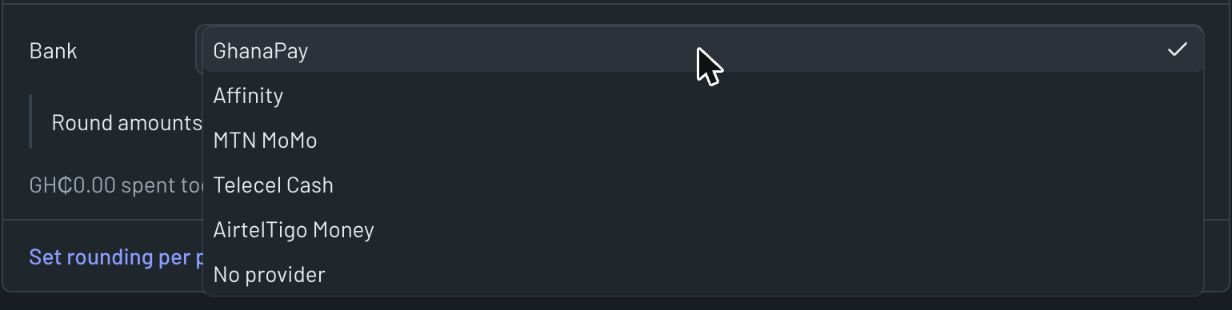
The Bank line's list. Choose GhanaPay. GH₵9,999.99the most in one sendGH₵15,000.00the most in one dayGhanaPay refuses a single send of GH₵10,000 or more. With this set, Brio splits a bigger payout into several sends. If a payout won't fit in what's left for the day, Brio leaves it for you to pay by hand.
-
Dashboard · Accounts
Track the wallet's balance Recommended
Add an account and choose GhanaPay wallet, so Brio keeps the wallet's balance with your other accounts.
Watch the first payouts yourself
Under Wait for me when, turn on A payout goes to a bank account. Brio then waits for you before each bank payout.
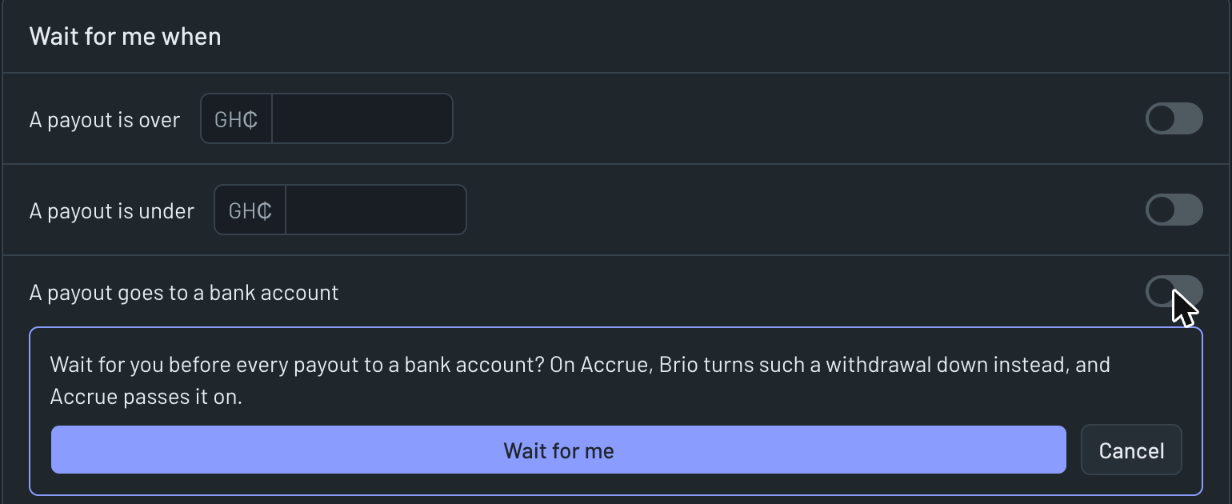
On Accrue, Brio turns those withdrawals down instead of waiting. Leave it on only for a short while.